Verifiable, not just promised
"No cloud" should be
a checkable claim.
Most password managers ask you to trust them. Bitcoffer hands you the checks instead: read the shipped app's entitlements, list the frameworks it links, then watch its open sockets while it runs. App Sandbox enforces the boundary — you only have to confirm it holds.
The four checks, and what each one cannot prove →
01 / VERIFYNo-cloud, and the app can be checked
App Sandbox is on, and the only network entitlement is the update check's client socket — no server socket, ever. otool -L on the binary lists no third-party network framework; lsof shows no connection while the app sits idle. The in-app Network Self-Certification page hands you those commands verbatim.
02 / MCPAI can use a secret without seeing it
A local MCP server exposes four read-only tools. Secrets are injected into a child process's environment through run_with_secret and never returned to the model context — the agent gets the result, not the value. There is no tool that reveals a secret, and an unregistered tool name is a protocol error rather than a permission prompt.
How the injection works, and where the guarantee stops →
03 / NATIVENative macOS, not a wrapper
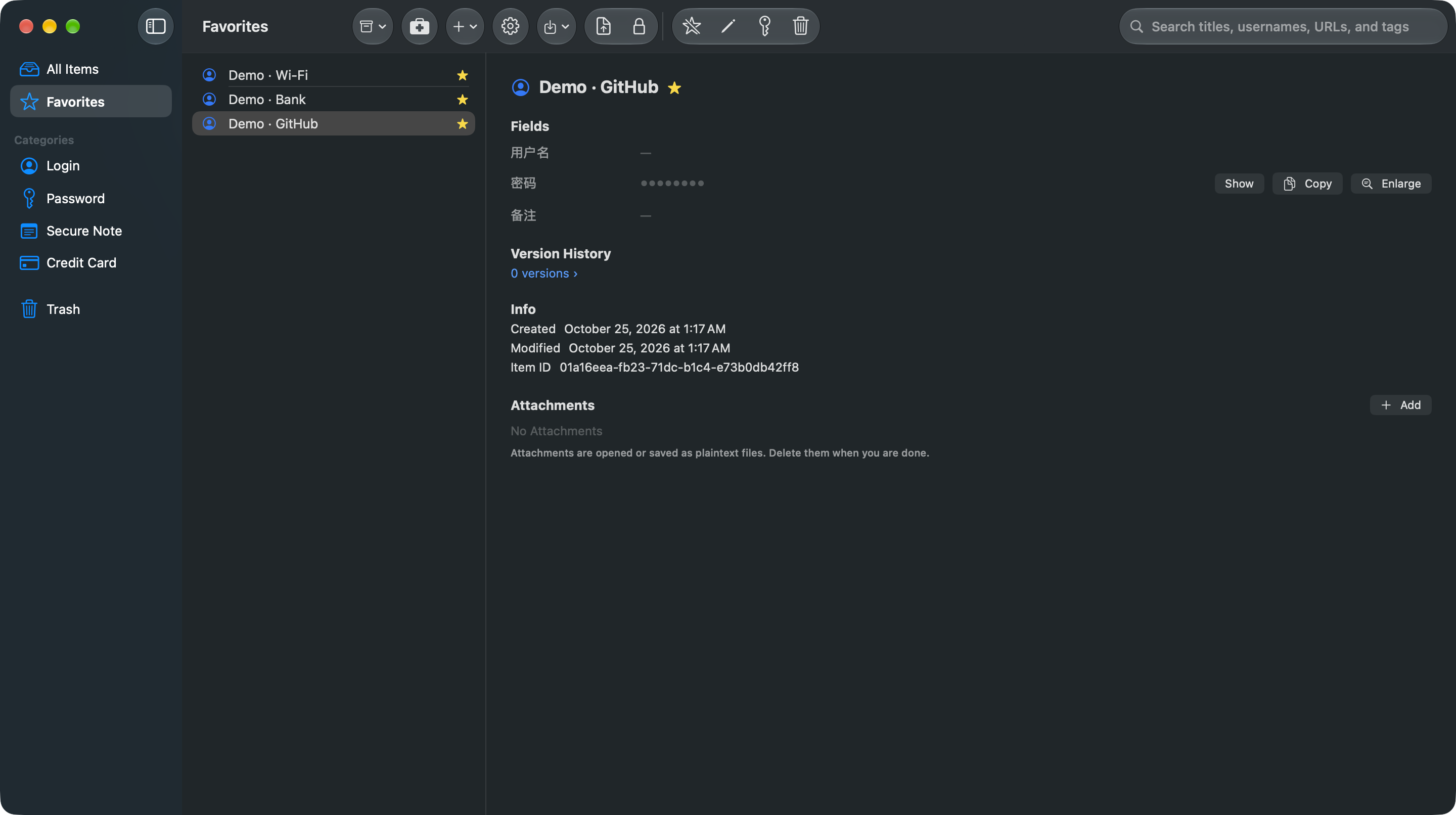
Rust core with a SwiftUI front end, App Sandbox, Touch ID unlock, menu-bar resident, ⌥⌘P global hotkey, English and Simplified Chinese UI.
From import to lock-in-free
Easy to enter, easy to leave.
A password manager shouldn't hold your data hostage to keep you. Bitcoffer keeps the vault local, the formats open, and a door on both sides.
01 · ImportBring data in from 1Password (1PUX), CSV or opvault — or start a fresh vault.
02 · UnlockTouch ID or master password. Key material stays in the keychain and memory, never written to disk.
03 · UseMenu bar, global hotkey, or let the local MCP server inject credentials for AI tools.
04 · LeaveExport 1PUX-compatible or CSV, with encrypted backups that have a recovery path.
Pricing
Try Bitcoffer free for 30 days
Try every feature. Subscribe to keep full access after the trial.
Bitcoffer
US$9.99 / year
Encrypted local vaults for passwords and keys, Touch ID unlock, and tools to use credentials with AI agents.
Paid through Paddle, the seller of record, which shows the final total with tax. The serial is emailed automatically — no waiting for a human. Annual and self-renewing; the Mac App Store version subscribes through Apple instead.
Refund policy · Terms · Privacy policy
How do I start the free trial?
Install from the Mac App Store and start the one-month introductory trial from the subscription screen inside the app. The direct download starts its 30-day trial the first time you open Bitcoffer.
How do I subscribe?
Press Subscribe and pay through Paddle. Paste the machine fingerprint from Bitcoffer’s licence settings on the way in and the device-bound serial is emailed the moment the payment clears; leave it blank and you get a one-click claim link instead. One order covers two Macs. On the Mac App Store the same subscription is billed by Apple inside the app instead.
What happens when the trial ends?
Without an active subscription or licence, Bitcoffer switches to read-only mode. You can still open, view and export your vault.
How do I cancel?
Direct licences: use the cancel link in your Paddle receipt; the licence runs to the end of the paid year. App Store subscriptions belong to your Apple ID — cancel in System Settings → Apple ID → Media & Purchases → Subscriptions, or from the Manage Subscription link in the app.